Mega Save
Curated deals on popular sellers, with prices cut directly instead of layered calculations. The aisle also carries the authenticity promise: shipping insurance and customs supervision on brand items, with a tenfold refund for counterfeits.
Group More, Save More
Pinduoduo APK is a group-buying shopping app: shoppers team up on the same product to unlock a lower group price, with free shipping offers, Mega Save deals and flash sales in one feed. It is the shopping app that understands bargain hunting, built around sharing deals with family and friends.
Open a product, start a group or join one that is already running, and the price drops when the group fills. The same feed also carries groceries, fresh produce, clothes, electronics and home essentials, so a weekly shop and a single small bargain can sit in the same basket.
One download button, on this page only. The download page shows the true state of the file.

| App Name | Pinduoduo APK |
|---|---|
| Developer | Shanghai Xunmeng Information Technology Co., Ltd. |
| Package Name | com.xunmeng.pinduoduo |
| Category | Shopping |
| Language | Chinese only |
| Price | Free |
| Version | 8.33.1 |
| File Size | 31.16 MB |
| Minimum Android Version | Android 5.0 (API 21) |
| Installs | Not verified |
| Download File | pinduoduo.v8.33.1.apk |
Pinduoduo APK is the Android app of Pinduoduo, a social e-commerce marketplace founded in Shanghai. Its idea is simple: shopping is cheaper when people buy together. Instead of a catalogue of fixed prices, most listings carry two prices, a solo price for buying alone and a lower group price for buying as a team.
The app is a marketplace, not a single store. Merchants list their products and sell direct to shoppers, which is how the platform keeps prices low across groceries, fresh produce, clothing, electronics and home goods. The official description puts it plainly: team up with family, friends and neighbours to enjoy quality goods at lower prices with free shipping, and share the savings and the joy.
What makes the app feel different from a plain store is the feed. The home screen mixes search with discovery: category tabs, promotion banners and deal aisles sit together, and much of the shopping happens by browsing what is on offer rather than by searching for one named item. Games and daily check-ins sit alongside the shopping, which is deliberate. The founder described the aim as a mix of bargain prices and entertainment, and the app still carries that mix.
Group buying, called pin tuan, runs on a short sequence. A listing shows a solo price and a group price. Choosing the group price starts a group, and the app asks the buyer to share the deal with friends or a group chat. When enough people join within the time window, everyone in the group pays the lower price and the orders go through.
If the group does not fill in time, the deal does not complete at the group price. The buyer is refunded or pays the solo price instead, depending on the option chosen at checkout. That time limit is the whole engine: it turns one person's shopping into a small shared task, and it lets merchants plan around a known number of orders.
Group buying works best for everyday, repeatable items: snacks, household supplies, small accessories and basic clothing. A group of two is often enough to unlock the lower price, so a single friend joining is all it takes on many listings. Larger groups appear on the big promotion aisles, where the count of buyers is shown next to the deal.
The app organises its offers into aisles, each with its own rules. Learning the aisles matters more than learning any single deal, because the same product can cost different amounts depending on where it is found. The guides in the blog section walk each aisle in turn.
Curated deals on popular sellers, with prices cut directly instead of layered calculations. The aisle also carries the authenticity promise: shipping insurance and customs supervision on brand items, with a tenfold refund for counterfeits.
Time limited drops with a live countdown, vouchers to claim and hourly deals. The group banner shows how many buyers have already joined, which is the clearest signal of whether a deal is filling fast.
Everyday essentials at a fixed low price point, from household goods to snacks. The grid is built for quick browsing, with the current price shown large and the saving shown beside it.
Next day grocery ordering with pickup from regional warehouses. Fresh food, pantry staples and daily essentials sit apart from the general feed, with their own ordering rhythm.
A game inside the app where watering a virtual fruit tree earns real fruit. Tasks such as logging in, shopping and inviting friends earn the water that grows the tree.
Shipping with no minimum spend on the items where the offer applies, including single items. The offer applies in specific regions, and the listing itself shows whether it covers a given product.
The feature set stays close to one idea: the price is the product. Everything else, the games, the sharing, the countdowns, exists to make the lower price reachable. That focus is also the main limit to know about: the app is built for bargain hunting, not for fast branded retail, and the interface is published in Chinese only, which shapes how shoppers outside China use it.
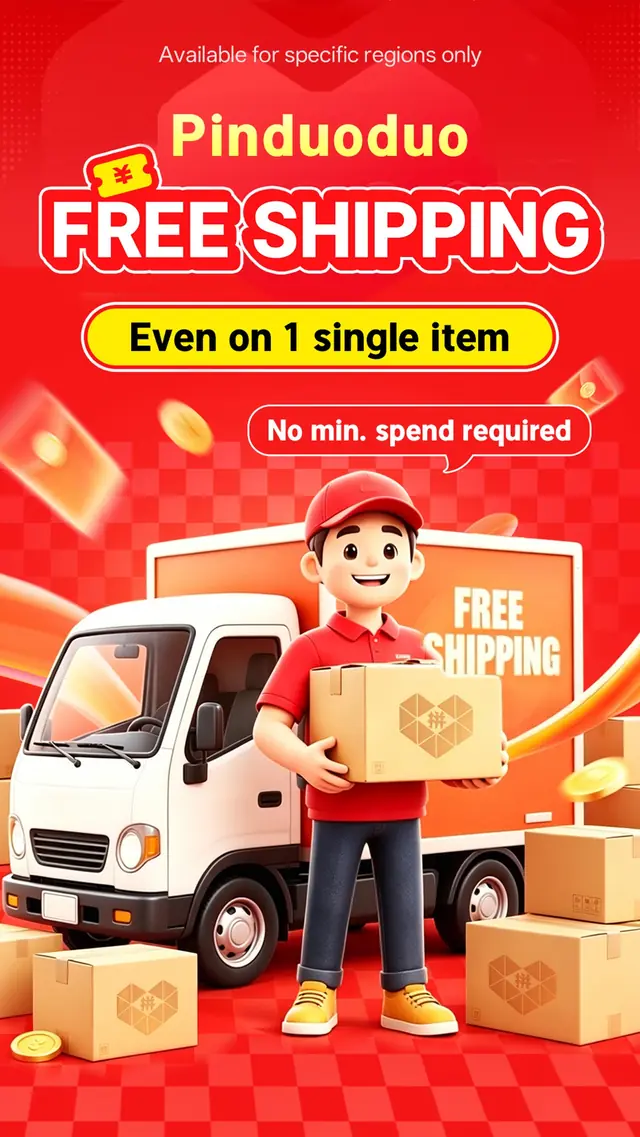
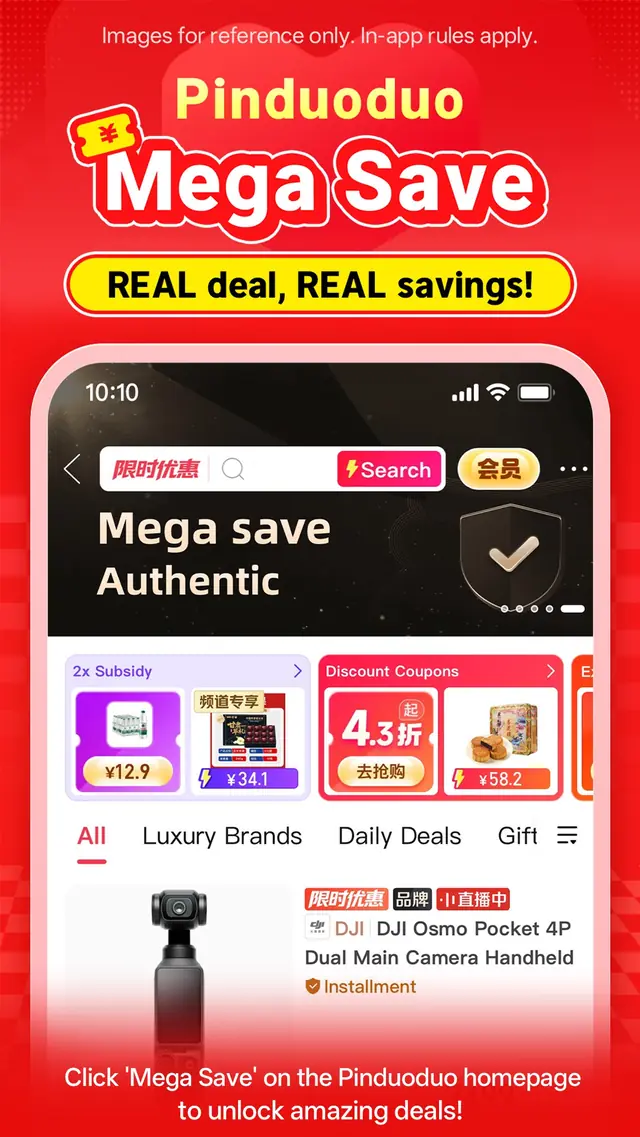
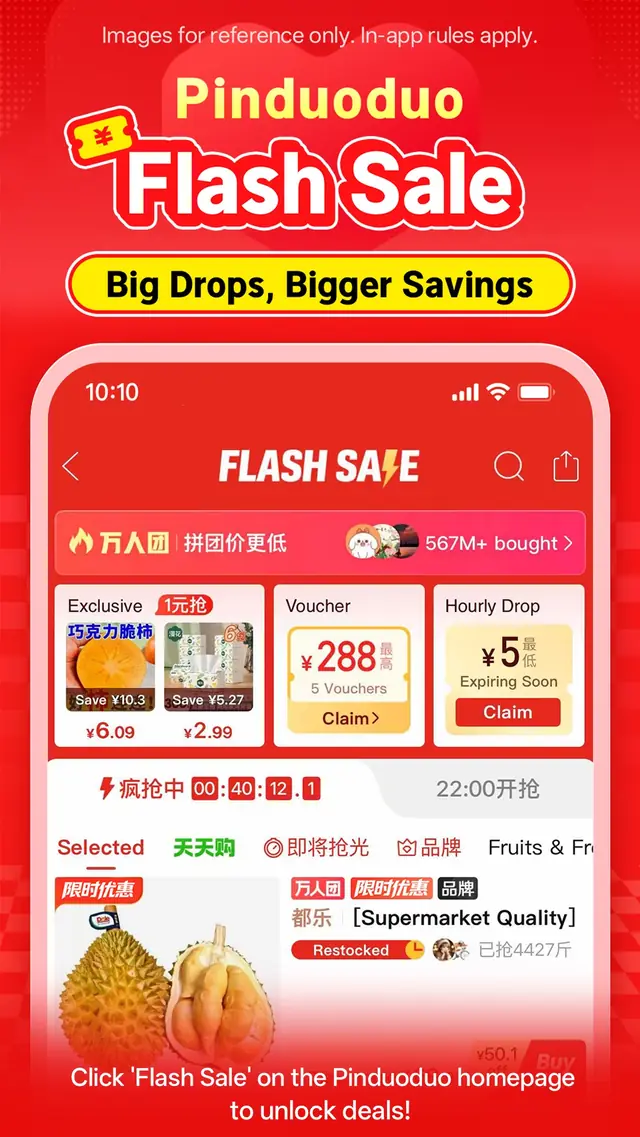
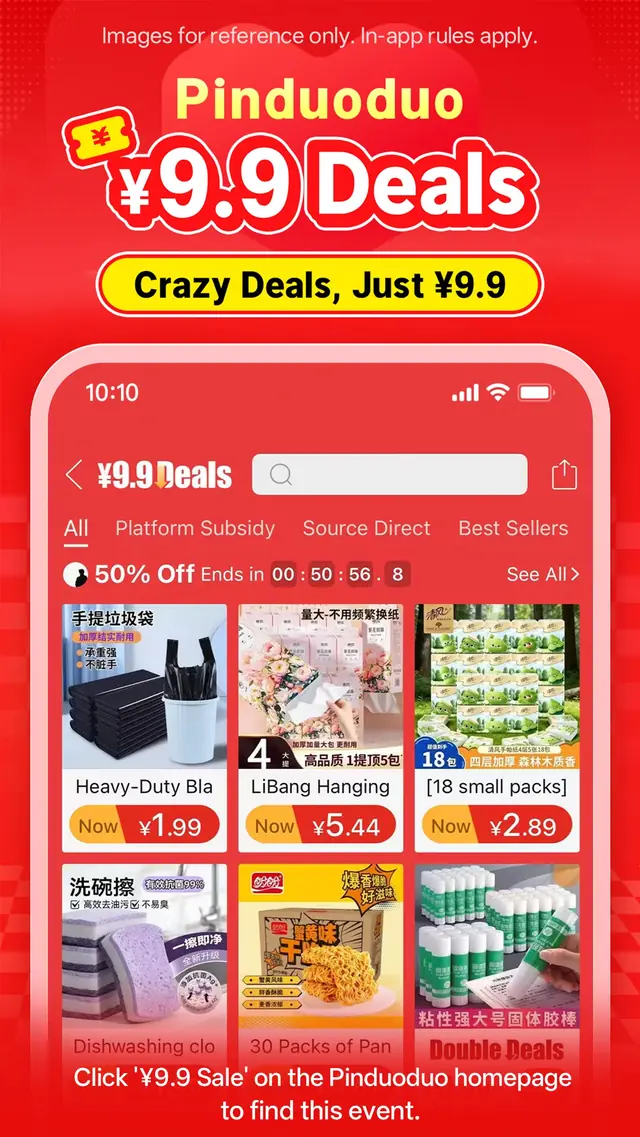
Screenshots from the official store listing, published by the developer. Prices and offers shown are the ones in the listing art.
The facts on this site were checked against the official store listing published by the developer: the developer name, the bundle identity, the category and the description of the deal aisles all come from that listing. The version and file size in the APK Details table were read from the attached file itself: its manifest names version 8.33.1 and package com.xunmeng.pinduoduo, and the file is 31.16 MB.
Before installing any app file, check the same three things the table shows: the package name, the developer name and the category. After install, open the app, confirm the home feed and the deal aisles match the screens shown above, and check the order screen after a first small order before spending more. The review process used for every app on this site is described in full on the How We Review page.
Installing from this site follows the same short flow as any app file installed outside a store. The download page counts down, then shows the download button. Read the APK Details table first, so the file can be checked against the details shown there once it arrives.
If Android blocks the install, the permission step was skipped: open the file again and allow installs from that source when asked. If the app will not open after install, restart the phone once and try again before reinstalling. Keep the downloaded file until the first successful open, so a reinstall does not need another download.
Updates arrive the same way as the first install. Check the download page for the newest listing, read the APK Details table, and install the new file over the existing app without uninstalling it first. Installing over the top keeps the account, the order history and the saved addresses in place.
Do not uninstall before updating unless the app itself asks for a clean install. Uninstalling first removes the local data, and the account has to be set up again. If an update fails, restart the phone, free up storage space, and run the install again.
The app is built for Android phones and works on tablets where the phone layout scales to the larger screen. The listing interface is Chinese only, so shoppers who do not read Chinese navigate by icons, positions and prices, which the guides on this site explain aisle by aisle.
Older phones with little free storage struggle most with shopping apps, because the feed, the images and the cached product pages all take space. Keep at least a few hundred megabytes free, and clear the app cache from Android settings if the feed starts loading slowly. The app needs a steady connection for group deals, since a group that fills while the connection drops can leave the order state unclear until the order screen refreshes.
Group prices undercut solo prices on everyday items, and a group of two is often enough.
No minimum spend on covered items, including single items in the regions where the offer applies.
Groceries, fresh produce, clothes, electronics and home goods share one basket.
Duo Duo Orchard turns daily tasks into fruit that actually arrives.
Shoppers who do not read Chinese must navigate by icons and positions.
A group that does not fill in its window does not complete at the group price.
Low prices come with longer waits on some orders, so tracking matters.
Pinduoduo APK is the Android app of Pinduoduo, a social e-commerce marketplace where shoppers team up on the same product to unlock a lower group price. It covers groceries, fresh produce, clothing, electronics and home goods, with deal aisles for Mega Save, flash sales and fixed low price offers.
Each listing shows a solo price and a lower group price. Choosing the group price starts a group, and the buyer shares the deal link with friends or a group chat. When enough people join within the time window, everyone pays the group price. If the group does not fill, the deal does not complete at the group price.
Yes. This site is the Pinduoduo APK download page for Android. The download page counts down for six seconds, then shows the download button. The button links the file directly: version 8.33.1, 31.16 MB, package name com.xunmeng.pinduoduo, as listed in the APK Details table.
Interest in a Pinduoduo Philippines app download has grown fast, and this site covers the app for readers in the Philippines. The interface is Chinese only, the free shipping offer applies in specific regions, and the listing itself shows whether an offer covers a given product, so check the product page before checkout.
Open the order screen inside the app and choose the order to see its delivery status step by step. Status updates arrive in stages, and a stage can sit unchanged while a parcel moves between hubs. Refresh the order screen if the status looks stuck.
Duo Duo Orchard is a game inside the app. Watering a virtual fruit tree by completing tasks such as logging in, shopping and inviting friends grows the tree, and a grown tree earns a basket of real fresh fruit.
The official description states a tenfold refund for counterfeits on brand items in the Mega Save aisle, with shipping insurance and customs supervision throughout the process. The promise applies to the brand items it is shown on, so read the product page before relying on it.
No. The official listing publishes the app in Chinese only. Shoppers navigate by icons, positions and prices, and the guides on this site explain each aisle with the screen positions to follow.
Install the newest file over the existing app without uninstalling first, so the account, order history and saved addresses stay in place. Check the download page for the newest listing and read the APK Details table before installing.
31.16 MB (32,672,006 bytes), read from the attached file itself. The version is 8.33.1, read from the file manifest, and the package name is com.xunmeng.pinduoduo. All three appear in the APK Details table, so the downloaded file can be checked against them.
Pinduoduo APK earns its place on a bargain hunter's phone with one clear idea: buy together and pay less. The group price, the free shipping offers and the deal aisles are real, the feed is built for browsing, and the grocery and orchard features give the app a daily rhythm beyond single purchases. The trade offs are just as clear: a Chinese only interface, time limited groups that need sharing to complete, and delivery that rewards patience. For shoppers happy to team up and wait a little, the savings are the point, and this site keeps the install steps, the aisle guides and the order tracking help in one place.