
Search and Find Products on Pinduoduo APK

Pinduoduo APK has a search bar, and it works, but much of the shopping on the platform happens by discovery: browsing the feed, opening a deal aisle, and following a shared link. Shoppers who only search miss the deals the feed is built to surface.
This guide covers both halves: searching well when the product is known, and browsing well when it is not. The comparison step at the end is the part that saves the most money. Pinduoduo APK download
On this page
Searching Well
Search with short, plain product words: the item type first, then one distinguishing word. Long phrases narrow the results too far, and brand names narrow them further. Start broad, then narrow with the filters and category tabs on the results screen.
The search bar sits at the top of the home screen with the magnifier icon, and the results screen keeps the same layout: product cards with photos, prices and group prices. Sort and filter options sit above the results, and they are worth learning before the first serious search. navigating the interface
Browsing by Category
Category tabs split the feed by type: groceries, fresh produce, clothing, electronics, home goods and more. Browsing a category shows the range and the price spread at a glance, which search alone never does. Open a category, scroll the feed, and note the price bands before searching for one item.
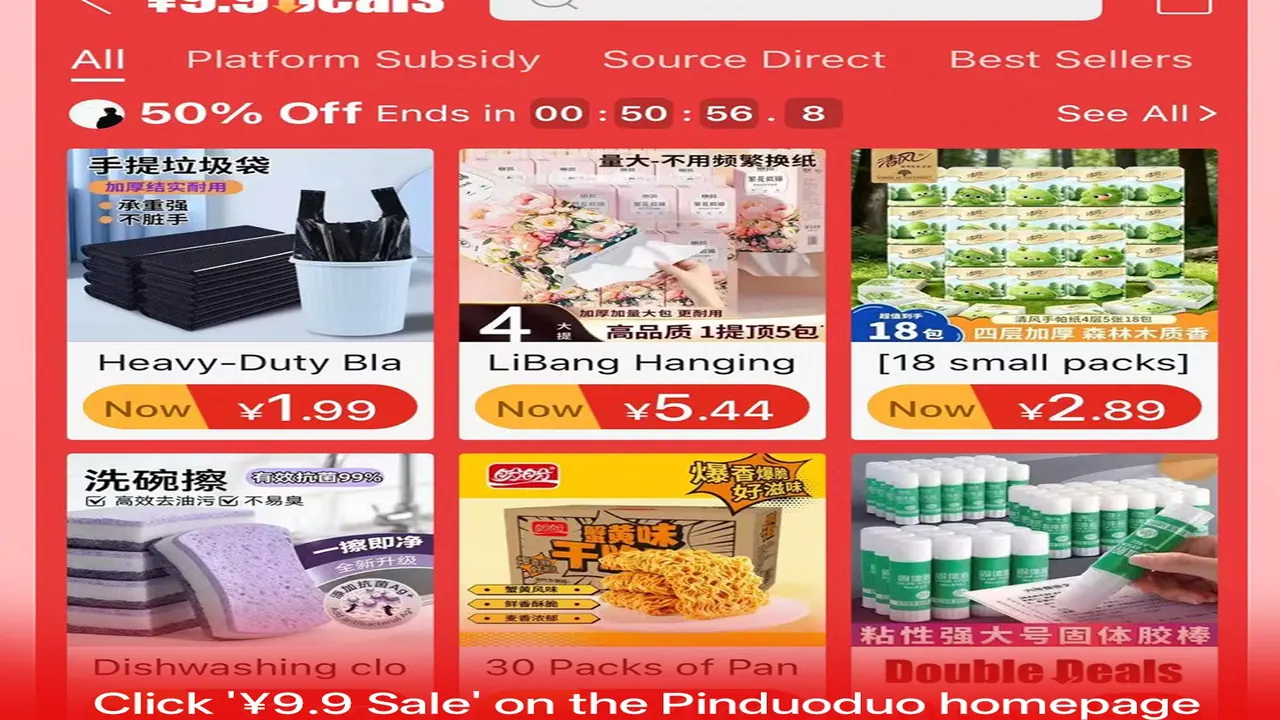
The deal aisles are categories of a different kind: Mega Save, Flash Sale and 9.9 Deals group products by offer type rather than by product type. A shopper hunting a bargain should browse the aisles first and the categories second.
Comparing Listings Before Buying
The same product often appears in several listings at different prices, with different shipping terms and different group prices. Open two or three listings, compare the delivered total at checkout, and check the seller details on the product page.
The cheapest headline price is not always the cheapest delivered total. Shipping, group price and coupons all change the final number, and the checkout screen is the only place all three meet. Compare there, not on the feed. clothes and home essentials
Frequently Asked Questions
Is search or browsing better on Pinduoduo APK?
Both. Search finds a known product fast; browsing the feed and deal aisles surfaces deals search would miss. Use search for needs and browsing for bargains.
Why do the same products appear at different prices?
Listings come from different merchants with different prices, shipping terms and group deals. Compare the delivered total at checkout.
Do filters help?
Yes. Filters and category tabs on the results screen narrow broad searches to the right type, price band and offer.